ZeroTrace
Erase a drive, then prove it.
A bootable USB stick for wiping disks before they're sold, recycled or reused. It erases with the drive's own sanitize commands where it can, reads the disk back to check the old data is really gone, and hands you a signed certificate that anyone can verify.
Why
A lot of old laptops and drives sit in drawers instead of being reused, because their owners don't trust that wiping them works. They're often right. Deleting files or reformatting leaves the data recoverable, and overwriting an SSD from the outside can't reach all of its flash.
Most tools either overwrite and hope, or erase properly and give you nothing to show for it. ZeroTrace erases the way the drive is designed to be erased, then gives you something you can hand to a buyer or a recycler.
How it works
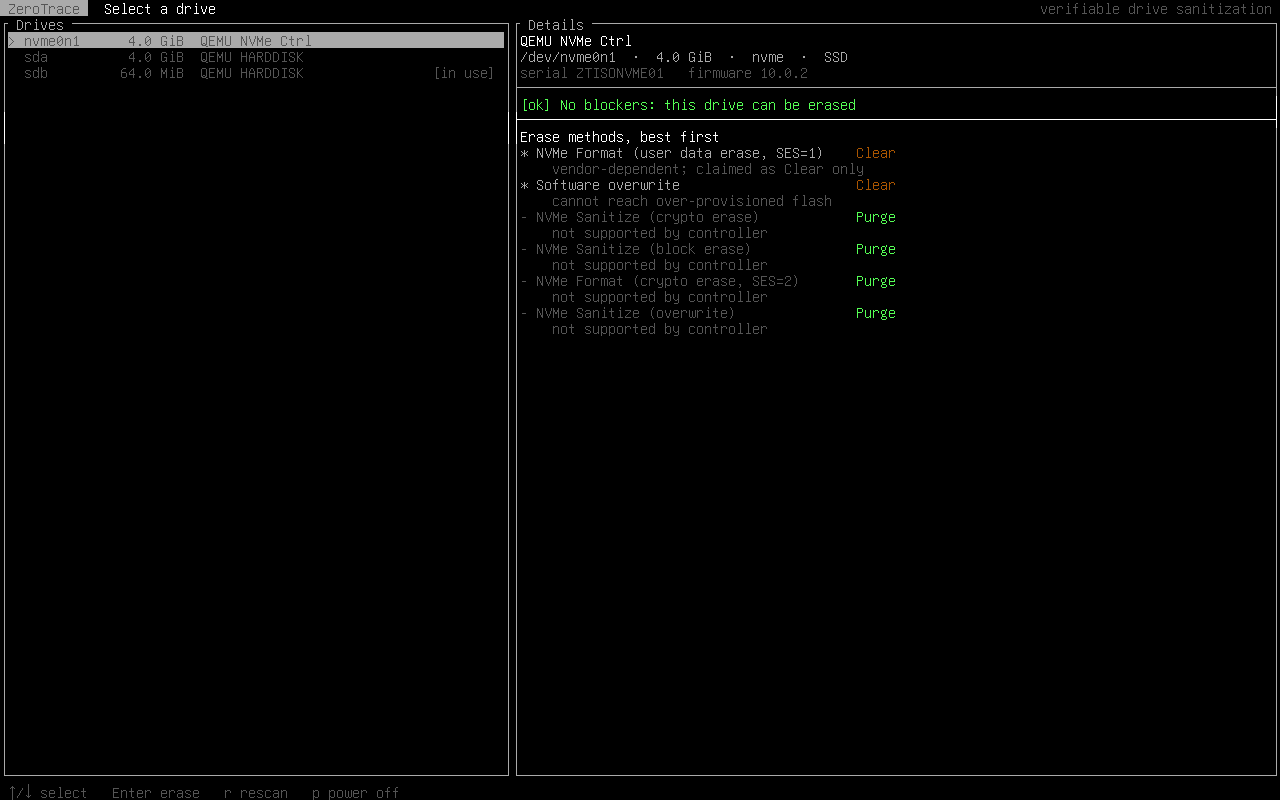
Boot it and pick a disk
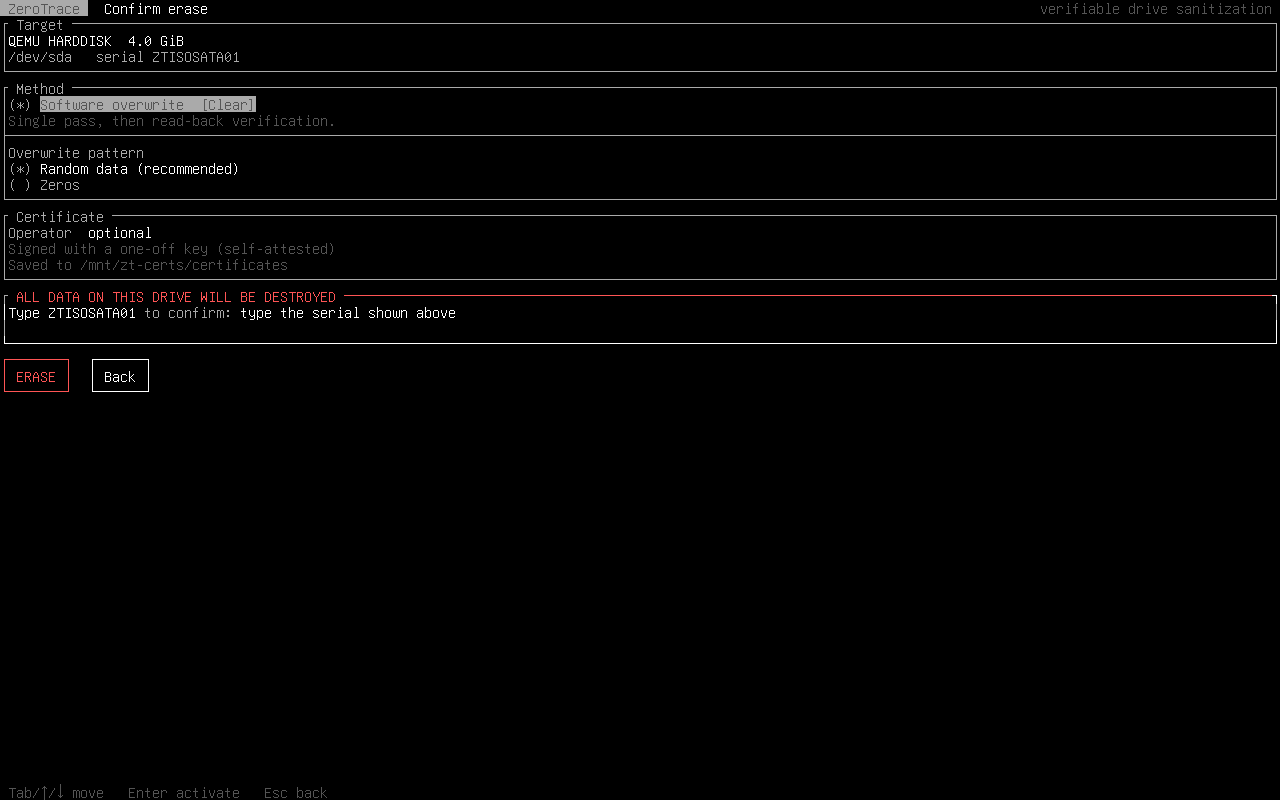
The USB it booted from, and anything mounted or in use, is refused. You confirm by typing the drive's serial number.
The drive erases itself
NVMe Sanitize or Format, or ATA SANITIZE, tells the drive to throw away its internal encryption key or wipe its own flash. Drives that can't do that get a full overwrite.
The result is checked
Random regions are read back from the disk itself, not from a cache. For firmware erases, markers are written first and every one has to be gone afterwards, so a drive that only claims to have erased gets caught.
You get a certificate
A JSON file signed with Ed25519, recording the drive, the method, the check and the time. Changing a single character breaks the signature.
What it looks like
Where it stands
This is an early preview. Please don't use it on a disk you care about yet.
- testedBoots on UEFI and legacy BIOS, tested in VMs
- testedOverwrite and NVMe Format, each followed by a read-back check
- testedSigned certificates, saved to a USB stick labelled
ZT-CERTS - untestedNVMe Sanitize and ATA SANITIZE: written, not yet tried on real hardware, never picked by default
- plannedAn Android app for phones
Download
Write the ISO to a USB stick with Rufus, balenaEtcher or dd, and boot from it. To keep certificates after you power off, plug in a second stick formatted FAT32 or exFAT and labelled ZT-CERTS.
5f9d611d2957c52ba0034b522131a49086332d7aa5b941cf9572fae041fe7358
Source, build instructions and design notes are on GitHub, under GPL-3.0.